Tracking
How to Set Up Conversion Tracking for Small Business Ads
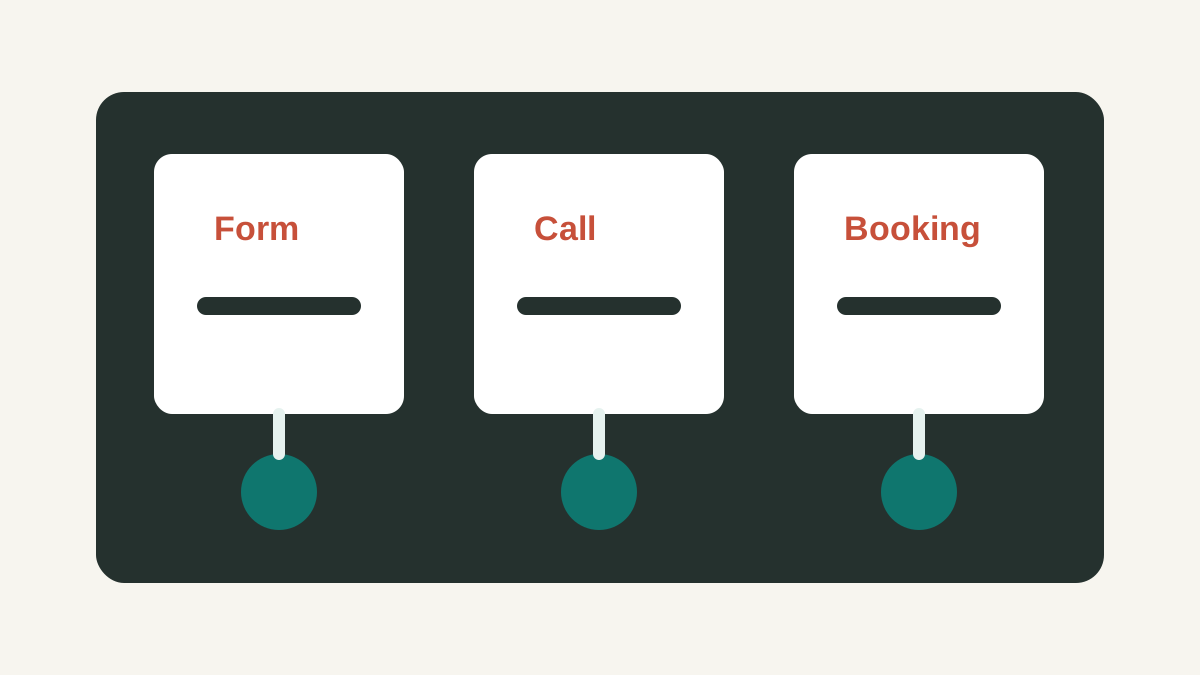
Good conversion tracking starts with a short list of meaningful actions and a test process that proves each action is recorded correctly.
Choose the actions that matter
Most small businesses should track the actions that create real sales opportunities: form submissions, phone calls, booked appointments, quote requests, and purchases. Avoid treating every page visit as a conversion.
Separate primary and secondary actions
Primary actions should influence optimization. Secondary actions can help with diagnosis without telling the ad platform to optimize toward weaker signals.
Test every path
Submit a form, click a phone number, schedule a booking, and complete any other important path on mobile and desktop. Then confirm that each action appears once in the reporting tools.
Use consistent names
Conversion names should be easy to understand later. Names like `Lead form - Quote request` or `Phone call - Website` are more useful than vague labels such as `Submit` or `Conversion 1`.
Check attribution context
Tracking should show where the lead came from, which campaign influenced it, and whether it became a qualified opportunity. Platform conversions are useful, but they should be connected to lead quality.
Review tracking after changes
Forms, phone numbers, consent banners, booking tools, and thank-you pages can change over time. Retest tracking after website edits, new landing pages, or tag manager updates.
Define the conversion before installing a tag
Start with an action that represents business value: completed estimate request, completed booking, qualified phone call, or completed purchase. A button click can be useful diagnostic data, but it is not automatically the same as a lead. Assign one owner to confirm what happens after the website event is recorded.
Google explains that conversion measurement is built around the actions the advertiser chooses as valuable, and that those actions can be used for reporting and bidding: https://support.google.com/google-ads/answer/1722022
Verify the full chain
Create the conversion action, install the required tag or event, then make a labelled test submission. Check the browser event, conversion status, notification, CRM or spreadsheet record, and duplicate-prevention behaviour. Record the test date and result. If a form confirmation fires on refresh, the implementation may overcount.
Worked example: a physical therapy clinic's tracking setup
A physical therapy clinic runs ads for new-patient consultations and wants to track three actions: booking-form submissions, phone calls, and a "request insurance verification" form used by patients before committing to an appointment.
The team assigns the booking-form submission as the primary conversion, since it most closely represents a scheduled visit. Phone calls lasting more than 45 seconds are tracked as a secondary diagnostic action, since many short calls are simply patients confirming the clinic's address. The insurance verification form is tracked separately again, since submitting it does not guarantee the patient will book, but it is a useful early-intent signal for measuring how many visitors are seriously considering treatment.
During testing, the clinic discovers that the booking-form conversion fires twice when a patient uses the browser's back button after confirming, because the confirmation page reloads. The team fixes this by moving the tracking event to a one-time confirmation trigger instead of a page-load event, and re-tests until a single submission produces exactly one recorded conversion.
Three weeks after launch, the clinic compares Google Ads reporting to its scheduling software: the platform shows 34 booking conversions, while the scheduling system shows 29 actual appointments booked from ad traffic. The five-conversion gap turns out to be duplicate submissions from patients who resubmitted the form after not receiving an immediate confirmation email — a signal to fix the confirmation message, not the tracking setup itself.
Common conversion tracking mistakes
Counting a button click as a completed action. A phone number tap proves interest, not a connected call. Where possible, track calls that connect and last beyond a minimal duration, and treat short or unanswered calls as a separate, weaker signal.
Letting a confirmation page fire more than once. Thank-you pages that reload on refresh, or that patients can revisit through browser navigation, will inflate conversion counts unless the tag is set to fire only once per session or tied to a one-time event.
Never comparing platform data to the source of truth. CRM records, scheduling software, or a simple inbox count should be checked against ad-platform conversions periodically. A growing gap between the two usually points to a specific, fixable cause.
Treating all forms as equally valuable. A general contact form and a specific booking form do not represent the same level of commitment. Where the platform supports it, separate them so reporting and bidding reflect the difference.
Frequently asked questions
How often should tracking be re-tested? After any change to the website, forms, phone system, or tag manager setup, and as a baseline check once a month even without known changes.
What is a reasonable gap between platform conversions and real appointments? Small discrepancies of a few percent are common and usually explained by timing differences or minor duplicate events. A gap larger than about 10 to 15% is worth investigating specifically.
Should every micro-action be tracked as a conversion? No. Track the actions that represent real business value as primary conversions, and keep smaller engagement signals as separate, clearly labeled diagnostic data so they do not distort reporting or automated bidding.
Who should own the monthly tracking check? Assign one person, even in a small team, to run the test-submission checklist monthly and record the result. Without a named owner, tracking checks are the first task that quietly stops happening after launch.
Maintain a tracking register
- Name of conversion and whether it is primary or diagnostic.
- Trigger, landing-page URL, and destination system.
- Owner responsible for testing it after a website change.
- Lead-quality fields returned by the sales or service team.
This register makes it possible to explain what a report measures months later.