Tracking
How to Track Leads from Google Ads
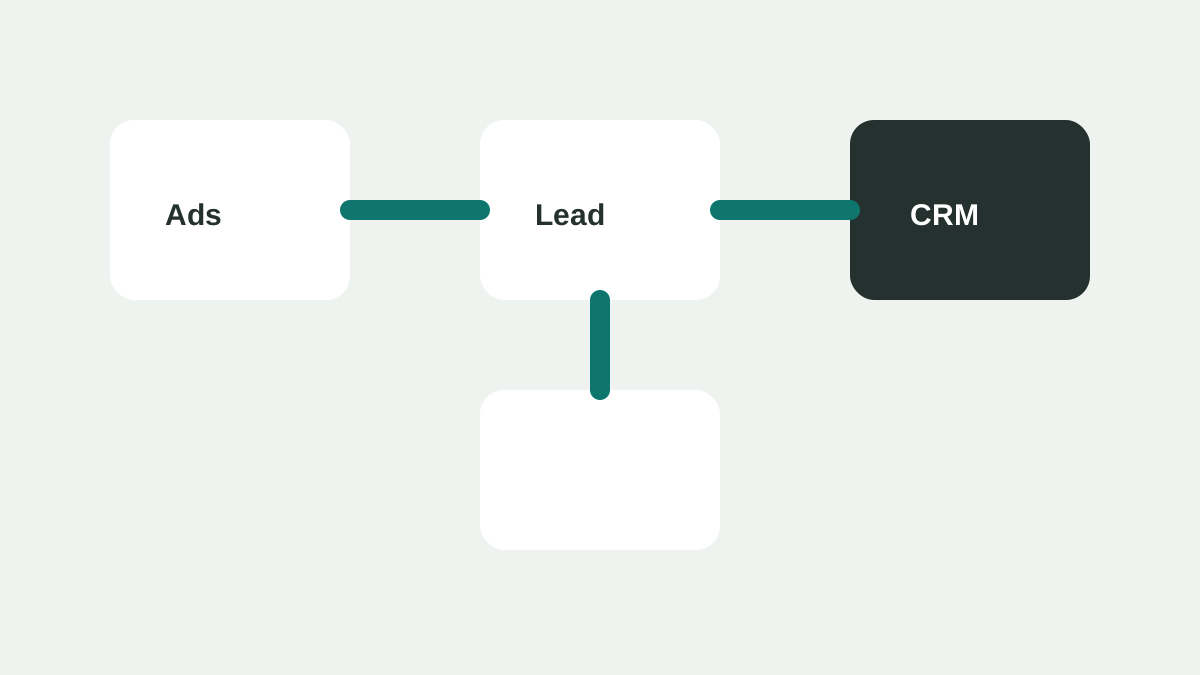
Lead tracking should answer a simple question: which campaigns produce inquiries that the business actually wants? Clicks and impressions matter, but they do not prove commercial value.
Track the first conversion
At minimum, track form submissions, phone clicks, booked appointments, and completed quote requests. Each action should fire only when the visitor completes the intended step, not merely when a page loads.
Separate weak and strong signals
A newsletter signup, phone click, and qualified sales inquiry should not always carry the same weight. If the platform allows conversion values, use them to distinguish stronger actions from softer engagement.
Keep lead quality visible
A campaign can look successful while producing poor leads. Add a simple offline review process: mark leads as qualified, unqualified, booked, sold, or duplicate. Even a spreadsheet is better than judging performance by form count alone.
Use thank-you pages carefully
A dedicated thank-you page can make tracking simpler, but it should not be publicly indexed as a normal page. If users can refresh it and trigger duplicate conversions, use event-based tracking or additional safeguards.
Check before spending
- Submit a test form and confirm the conversion fires once.
- Click the phone number on mobile and confirm it is tracked.
- Make sure spam submissions are not counted as high-value leads.
- Compare ad platform leads with CRM or inbox records.
Final thought
Tracking does not need to be complex at the start, but it needs to be honest. The goal is not to make reports look good. The goal is to learn which traffic is worth buying again.
Audit tracking after changes
Website edits, form plugins, phone number changes, and tag manager updates can break tracking. Test the full lead path after major changes so reports do not silently become unreliable.
Import better outcomes when possible
If the business uses a CRM, consider importing qualified leads, booked calls, or sales outcomes back into reporting. This gives the campaign a stronger signal than counting every form submission equally.
Example lead status workflow
A simple workflow can be enough for a small business. Every new inquiry can be marked as new, contacted, qualified, unqualified, booked, sold, or duplicate. The source should stay attached to the record so the team can compare Google Ads leads with organic, referral, and direct leads.
For example, a campaign may produce 40 form submissions in a month. If 12 are outside the service area, 8 are spam, and 5 cannot be reached, the report should not treat all 40 as useful wins. The useful metric may be 15 qualified leads, not 40 leads.
Questions to ask during review
- Which campaigns produced qualified leads, not only forms?
- Which keywords created unqualified or duplicate inquiries?
- Which locations produced leads the business could actually serve?
- Which lead sources created booked appointments or closed sales?
- Were any leads missed because nobody responded quickly?
Do not overbuild the system too early
A small business does not need a complex attribution stack before the first test. It needs reliable source capture, clean conversion events, and a consistent lead quality review. More advanced reporting should come after the team is already using the basic data.
Track the lead through to a business outcome
The minimum useful path is: ad interaction, website conversion, received enquiry, qualified opportunity, and outcome such as booked appointment or sale. Keep the first version simple enough that the person answering leads can use it. A CRM field or shared sheet with source, service, location, status, and value is more useful than a sophisticated dashboard no one maintains.
Use consistent status definitions. For example, “new” means received, “qualified” means in service area and eligible, “booked” means an appointment exists, and “won” means revenue was confirmed. Write the definitions down before comparing campaign performance.
Reconcile platform and sales records
Google Ads conversion numbers can differ from CRM outcomes because the systems measure different events and apply attribution differently. The platform’s conversion columns reflect the actions and settings selected in the account: https://support.google.com/google-ads/answer/6270625
Review a sample of leads each week. If ads report ten conversions but only six enquiries arrived, investigate duplicate events, missed notifications, spam, or mismatched date ranges. If all ten arrived but only two were qualified, the problem may be targeting, landing-page qualification, or the offer—not necessarily tracking.
Frequently asked questions
What is the minimum viable tracking setup for a brand-new account? Reliable source capture through UTM parameters or a call tracking number, one primary conversion event tested end to end, and a simple weekly habit of marking leads as qualified or not. Everything else can be added once this baseline is working reliably.
How should duplicate leads be handled in reporting? Flag them clearly rather than deleting them, since a duplicate can still indicate genuine interest even if it should not be double-counted in cost-per-lead math. Note the reason — resubmission, a missing confirmation, or a form retry — so the pattern can be fixed at the source rather than repeatedly cleaned up by hand.
Should phone leads and form leads be reported together or separately? Keep them distinguishable in the underlying data even if they roll up into one combined lead count for a summary view. Phone and form leads often have different qualification rates and close rates, and merging them too early can hide which channel is actually performing.
How long should a business wait before trusting lead-quality patterns by keyword or location? Most small accounts need four to six weeks of scored leads before a pattern is more than noise. Acting on a pattern from a handful of leads risks over-correcting based on a coincidence rather than a real trend.